
How to Choose the Right VPS Plan for Your Website

Most VPS pricing pages are a wall of numbers: gigabytes of RAM, vCPU counts, storage, transfer. It is tempting to sort by price, pick the middle option, and hope. The better approach is to work backwards from what your server actually has to do. The right plan is the one whose specifications match your workload — not the cheapest, and not the biggest.
This guide goes spec by spec, with real figures and a sizing table you can map your own site onto. If you are still deciding whether a VPS is the right class of hosting at all, our comparison of shared hosting vs a VPS is the place to start; this article assumes you have decided a VPS is the direction and now need to size it.
Start with your workload, not the price
Before you look at a single plan, answer three questions:
- What software runs on the server? A static site, a WordPress blog, a WooCommerce store, a Node.js app and a search index all have very different appetites.
- How many simultaneous users do you expect at peak? Peak concurrency, not monthly visitors, is what decides whether you run out of memory or CPU.
- How heavy is each request? Serving a cached HTML page costs almost nothing. Rendering an uncached WordPress page that runs a dozen database queries costs a great deal more.
Hold those answers in mind as you read the rest. Every spec below is only meaningful relative to them.
RAM: the spec that fails first
RAM is usually the first thing a growing site runs out of, and running out is not graceful — the kernel starts killing processes or swapping to disk, and the whole server slows to a crawl. It is the spec to get right first. These are sensible starting points:
- 1–2 GB: static sites, small blogs with caching, a VPN, DNS, or a mail relay.
- 2–4 GB: a typical WordPress site with a modest plugin set.
- 4–8 GB: WordPress with WooCommerce, a small application with its own database, or a couple of services sharing one box.
- 8 GB+: busy stores, Elasticsearch, game servers, CI runners.
Databases are the reason RAM matters so much. MySQL's documentation recommends sizing the InnoDB buffer pool so it can hold your working data set in memory; once the data your queries touch fits in RAM, most reads never reach the disk at all. If your database is a few gigabytes and your buffer pool is 512 MB, you are paying for fast storage to compensate for memory you did not buy. Give the database room first.
vCPU: single-core speed usually beats core count
It is easy to assume more cores is always better. For most websites it is not. PHP, Node.js and Python process an individual request largely on one core, so single-core speed affects how fast each page loads, while core count affects how many pages you can serve at once. A blog that is slow under light traffic needs faster cores, not more of them; a busy site that is fast when idle but chokes under load needs more cores.
Then there is the distinction between dedicated and shared vCPU. A dedicated (or "pinned") vCPU reserves physical CPU time for you. A shared vCPU draws from a pool that other tenants also use. Shared plans are cheaper and fine for bursty, variable traffic, but under sustained load they can be throttled — and you may not be told when it happens.
How to tell if your vCPU is being throttled: CPU steal
The symptom of an over-contended shared vCPU is CPU steal time — time your VM wanted the processor but the hypervisor gave it to someone else. You can see it from inside the VPS. In top, look at the %st value at the end of the CPU line; mpstat 1 and vmstat 1 report the same figure in their steal/st column (not covered by the sources below, but easily checked on any box). A widely cited rule of thumb, from Scout Monitoring, is that "if steal time is greater than 10% for 20 minutes, the VM is likely… running slower than it should." Brief spikes are normal; a steady 10%+ means you are competing for a core you are paying for, and it is time to move to a dedicated-vCPU plan or a less crowded host.
Storage: speed matters more than size
Most sites need only 25–50 GB of disk. What separates a snappy database from a sluggish one is not capacity but how fast the storage answers many small, random reads and writes — the pattern databases generate. That is measured in IOPS (operations per second) and latency (how long one operation takes).
The gap between the two common tiers is large. A SATA SSD typically delivers on the order of 90,000–100,000 random read IOPS, saturating around 95,000 random read IOPS in ServerMania’s benchmarks. An NVMe SSD, which talks to the CPU over PCIe with far deeper command queues, reaches several hundred thousand IOPS — roughly 650,000–920,000 on a fast NVMe drive in those same benchmarks — which showed up in a MySQL test as P99 query latency of 0.89 ms on NVMe against 12.4 ms on SATA. That gap is largely a high-queue-depth effect, though: ServerMania measured it at QD32 and above, where databases operate. At the shallow queues a small, quiet VPS actually generates, the two are far closer — so this matters if you are running a busy database, and much less if you are not. If your workload is database-heavy, prioritise NVMe over a bigger SATA volume.
Do not over-buy capacity, though. Paying for 200 GB you will not fill is money that would have been better spent on RAM or a faster core.
Bandwidth and network
Two numbers hide under "network": port speed (how fast the link is, e.g. 1 Gbps) and transfer (how much data you may move per month). A brochure site rarely troubles either. If you serve video, large downloads or images to a global audience, check whether transfer is metered and what overage costs — an "unmetered" 1 Gbps port and a "1 Gbps" port with a 2 TB cap are very different products.
Location: closer is faster, and physics sets the floor
The single biggest lever on latency you cannot code away is distance. Signals in fibre travel at roughly 200,000 km/s, about five microseconds per kilometre each way, so every 1,000 km adds roughly 10 ms of round-trip latency — before any routing or processing. Put the server near the people who use it. If most of your visitors are in the UK or Northern Europe, a VPS in Coventry or Stockholm will feel faster than a cheaper one on another continent, no matter how good its specs are.
Managed or unmanaged?
An unmanaged plan hands you a bare server and the root password; you patch it, secure it and fix it. It is cheaper and gives full control — the right choice if you are comfortable on the command line. A managed plan costs more but means someone else handles updates, monitoring and recovery. The honest way to decide: if a night of unexplained downtime would cost you more than a year of the price difference, or you would not know where to start, pay for managed. If you plan to run it yourself, our initial VPS setup checklist and guide to securing a VPS with a firewall, SSH and Fail2ban cover the first hour after provisioning.
A sizing table to start from
Treat this as a floor, not a ceiling — measure, then adjust:
| Workload | RAM | vCPU | Storage |
|---|---|---|---|
| Static site / small blog with caching | 1–2 GB | 1 shared | 25 GB NVMe |
| Typical WordPress site | 2–4 GB | 1–2 | 25–50 GB NVMe |
| WooCommerce / small app + database | 4–8 GB | 2 dedicated | 50 GB NVMe |
| Busy store, Elasticsearch, game server, CI | 8 GB+ | 4+ dedicated | 80 GB+ NVMe |
A worked example
Say you run a WooCommerce store that gets a few thousand visitors a day, with peaks of maybe 30–40 shoppers browsing at once. Static assets are cached, but the cart, checkout and account pages cannot be, so those hit PHP and MySQL every time. Start at 4 GB of RAM so the InnoDB buffer pool can hold the catalogue and order tables, 2 dedicated vCPUs so checkout stays fast when several people buy at once, and 50 GB of NVMe for headroom. Then watch three numbers for a week: free RAM, %st, and page latency. If RAM stays tight, add RAM before anything else. If %st creeps up, you need dedicated cores or a quieter host. If latency is high but the box is idle, your visitors are probably far from your data center.
When a VPS is no longer the right answer
Sizing up is the usual move, but there is a point where the next VPS tier costs almost as much as a dedicated server and gives you less. If you are consistently using most of a large plan's resources, fighting persistent CPU steal, or need guaranteed isolation for compliance, compare the numbers directly. Our guide to the VPS vs dedicated server breakpoint walks through where that line falls. Choosing the right plan is not a one-time decision — it is a habit of measuring what you use and adjusting when the workload, not the pricing grid, tells you to.
Sources
- Understanding CPU Steal Time — when should you be worried? (Scout Monitoring) (2013-07)
- Detecting CPU steal time in guest virtual machines (Opensource.com, Jamie Fargen) (2020-01)
- NVMe vs SATA Performance: Benchmarks, Latency & Cost (ServerMania) (unknown)
- Comparing SSD Interfaces in Servers: Best Practices (KIOXIA) (unknown)
- Fiber Optic Latency: 5 us/km — causes, calculation, optimization (Philisun) (unknown)
- The InnoDB Buffer Pool (MySQL 8.0 Reference Manual) (unknown)
Frequently asked questions
How much RAM does a VPS need for WordPress?
A typical WordPress site runs comfortably on 2–4 GB of RAM. Add WooCommerce or a heavier plugin set and 4–8 GB is safer, largely so MySQL's InnoDB buffer pool can hold your working data in memory and avoid hitting the disk on every request.
Is NVMe storage worth it over SATA SSD for a VPS?
For database-heavy sites, yes. In ServerMania's benchmarks a SATA SSD saturates around 95,000 random read IOPS while a fast NVMe drive reaches roughly 650,000–920,000, and a MySQL test showed P99 query latency of 0.89 ms on NVMe against 12.4 ms on SATA. Note that gap is mostly a high-queue-depth effect: at the shallow queues a small, quiet VPS generates, the two are much closer.
How do I know if my VPS CPU is being throttled?
Check CPU steal time. In top, read the %st value on the CPU line; mpstat 1 and vmstat 1 show the same figure. A common rule of thumb is that steal time above 10% sustained for around 20 minutes means you are being throttled and should consider a dedicated-vCPU plan.
More vCPU cores or faster cores — which matters more?
For most websites, single-core speed matters more. PHP, Node.js and Python handle one request mostly on one core, so faster cores reduce each page's load time. More cores mainly help you serve more requests simultaneously under heavy concurrent traffic.
Does VPS location affect performance?
Yes. Fibre adds roughly 10 ms of round-trip latency per 1,000 km of distance, before any routing. Hosting near your visitors is one of the few latency improvements you cannot achieve in code, so pick a data center close to your main audience.
Related reading
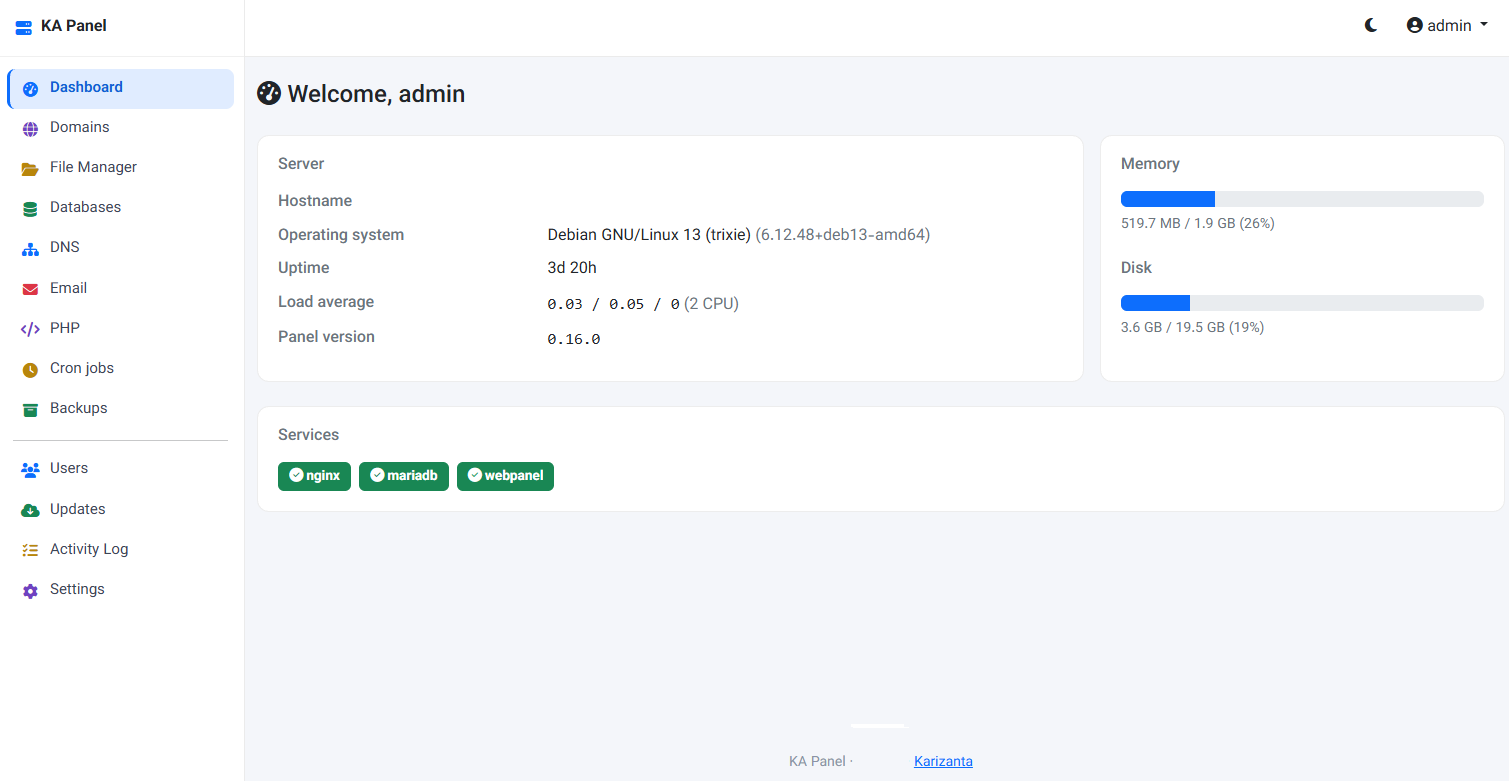
KA Panel: the free hosting control panel we built for our own customers
KA Panel is Karizanta's own hosting control panel, free with every server we run: sites, per-site PHP, certificates, databases, email with webmail, DNS, backups and customer logins, installed on Debian with one command.
Read more →
Shared vCPU, dedicated vCPU or a dedicated server: the three-rung guide
Most 'VPS vs dedicated server' guides skip the middle. Karizanta sells three rungs, not two: shared-vCPU VPS, dedicated-vCPU VPS, and a physical dedicated server. This guide walks all three in order and shows where each jump is actually worth paying for.
Read more →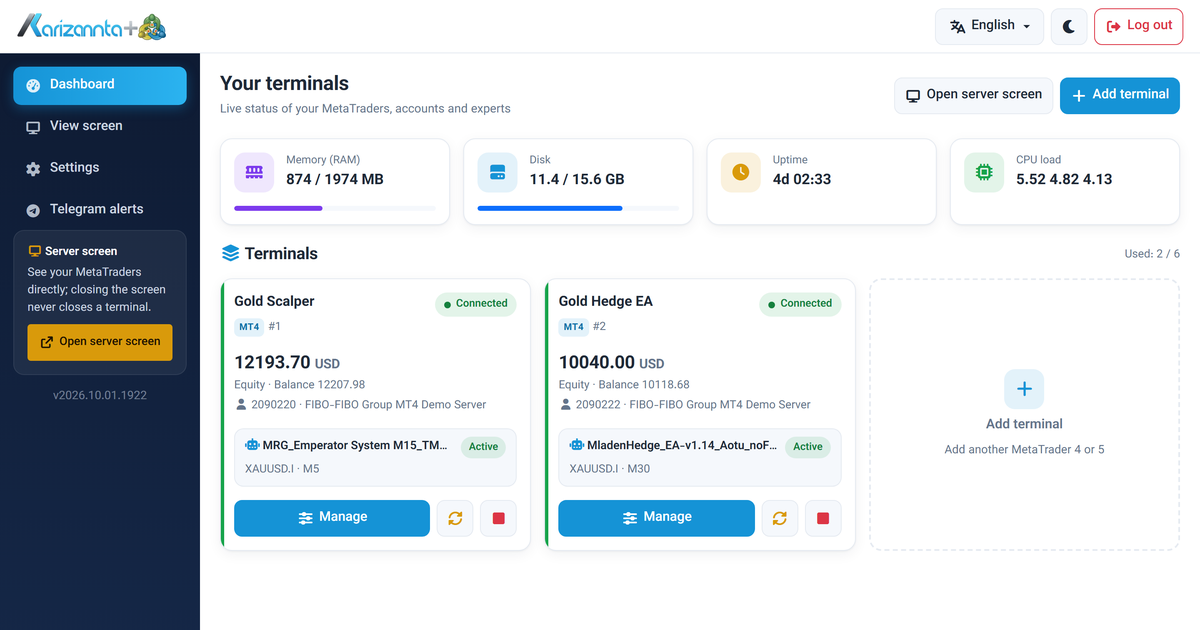
MetaTrader VPS on Linux: Run MT4 and MT5 Expert Advisors 24/7
A MetaTrader VPS that keeps MT4 and MT5 running on its own: automatic re-login after every restart, a web panel for accounts and expert advisors, and Telegram alerts. A tour with screenshots.
Read more →