
Shared vCPU, dedicated vCPU or a dedicated server: the three-rung guide

Most "VPS vs dedicated server" comparisons pretend there are only two rungs. There are three. Between a cheap shared virtual server and a physical machine of your own sits a dedicated-vCPU VPS, and for a large share of real workloads that middle rung is the right answer. This guide walks all three in order and does one thing the two-way comparisons cannot: it tells you where each jump is worth the money, and where it is not.
The rung that needs the most explaining is the first jump, from roughly $4 a month to $15.40 — almost four times the price for hardware that, on paper, can look similar. What you are actually buying there is a guaranteed CPU floor. So we will spend most of our time on what that floor means, when the lack of one starts to hurt, and how to measure the problem yourself before you pay to fix it.
The three rungs at a glance
Here is the whole ladder Karizanta sells, with the numbers that matter. Both VPS tiers run in Coventry (UK) and Stockholm (Sweden).
| Rung | Plans | CPU | RAM | Storage | From |
|---|---|---|---|---|---|
| Shared-vCPU VPS | UK-P1–P4 / SW-P1–P4 | 0.4–2.4 core guaranteed | 1–12 GB | 10–60 GB SSD | $4/mo |
| Dedicated-vCPU VPS | UK-D1–D4 / SW-D1–D4 | Dedicated core (no overcommit) | 8–16+ GB | 40–200 GB NVMe | $15.40/mo |
| Dedicated server | Xeon E-2236 / Xeon Gold 6132 / EPYC 7402 | 6–24 physical cores, ECC RAM | 32–128 GB | Dual NVMe | $79/mo |
Rung 1: the shared-vCPU VPS, and why we print the floor
On a shared-vCPU plan, your virtual CPUs are drawn from a pool of physical cores shared with other tenants on the same host. The provider maps more vCPU capacity to the host than the host can deliver all at once — a practice called oversubscription or overcommit — on the safe bet that not everyone peaks at the same moment. When that bet holds, a shared VPS feels fast and costs very little.
The unusual thing about Karizanta's shared plans is that we publish a number most budget hosts hide: a guaranteed floor, printed as "0.4 core guaranteed" on UK-P1/SW-P1 and rising to "2.4 core guaranteed" on the top shared plan. That figure is the slice of a physical core the scheduler will always give you, oversubscription or not. Above it you can often burst higher when neighbours are idle; below it you should never fall.
Why does printing that matter? Because the alternative is a spec sheet that lists, say, "2 vCPU" and quietly leaves the floor unstated — which means it could be almost anything when the host is busy. The public-cloud giants solved this with the same idea under a different name. Amazon's burstable T-family instances publish a baseline utilization per vCPU: a t3.nano guarantees 5% of a core per vCPU, and the baseline climbs to 40% on a t3.xlarge, with CPU credits governing how far above baseline you can burst (AWS EC2 documentation). A published floor is the honest version of a shared plan. If a host will not tell you theirs, treat the absence as the answer.
Shared-vCPU plans are the right rung for low-traffic websites, staging and test environments, small internal tools, bots, and small databases with predictable queries — workloads that sit well below their floor most of the day and only spike briefly. If that is your usage, paying four times more buys you almost nothing. Start here, and read our guide to choosing the right VPS plan for sizing RAM and storage.
The $4 → $15.40 jump: what a guaranteed core actually buys
This is the jump people get wrong in both directions — overpaying for a dedicated core they never saturate, or clinging to a shared plan while their app quietly chokes. The deciding factor is a single, measurable symptom: CPU steal time.
Steal time is the time your virtual machine was ready to run but the hypervisor did not schedule your vCPU on a physical core — "time stolen from [a] VM by the hypervisor," as an opensource.com explainer (January 2020) puts it. It is the direct fingerprint of oversubscription biting: your neighbours are busy, the physical cores are contended, and your ready work waits in line. This is the "noisy neighbour" effect, and its consequences are higher latency, lower throughput, and performance that varies from hour to hour rather than a clean crash you would notice.
A dedicated-vCPU plan removes exactly this failure mode. Each vCPU maps to a physical core reserved for your instance, with no overcommit, so scheduling contention — and steal time — goes to near zero. For a production API, a busy database, a CI runner, or anything latency-sensitive, that predictability is usually worth more than a slightly higher peak throughput number.
Measure before you pay: how to read steal time
Do not upgrade on a hunch. The symptom is free to check on any Linux VPS you already run.
- top — look at the CPU summary line for the
stfield. A healthy VPS shows a fraction of a percent; a contended one shows steal climbing during your slowdowns. - mpstat -P ALL 1 60 — samples
%stealper CPU over a minute, so you can see whether contention is constant or bursty. - vmstat 1 10 — the
stcolumn gives a quick overview. - /proc/stat — the raw kernel counter, if you want to graph it without a tool's interpretation.
How much is too much? There is no line in physics, only a working rule of thumb. Worldstream, a dedicated-server provider, offers a commonly cited one in a post on its blog: steal above 10% sustained for about 20 minutes means the VM is running slower than intended — while stressing that this is "an escalation trigger, not a law of physics," and that latency-sensitive apps may need to act sooner (Worldstream blog, a vendor source). Worked example: if mpstat shows %steal spiking to 15–20% every afternoon exactly when your response times climb, you have proven the case for a dedicated core. If steal stays near zero and you are still slow, the upgrade will not help you — and that caveat cuts against our own sales pitch.
That last point is worth being blunt about. The same Worldstream post is clear that a dedicated core fixes shared-host scheduling contention only — it does nothing for a slow query, a memory leak, or a storage bottleneck. Buying rung two to cure a problem that lives in your code is money wasted. Prove the correlation first.
Rung 2: the dedicated-vCPU VPS
The UK-D and SW-D plans give you dedicated cores, 8 to 16+ GB of RAM, and 40 to 200 GB of NVMe rather than SSD, from $15.40 a month. You have removed the noisy-neighbour lottery on CPU, which for most production web apps and databases is the single biggest source of jitter.
Be honest about what this rung does not give you, because it changes when you should skip it. A dedicated-vCPU VPS still lives on a shared physical host: storage bandwidth, network, and the hypervisor itself are shared infrastructure. The CPU is yours; the box is not. For the large majority of workloads that is completely fine — but if your bottleneck is disk I/O under a noisy neighbour, or you need hardware-level isolation for compliance, a dedicated core alone will not deliver it. That is the seam between rung two and rung three.
Rung 3: the dedicated server
A dedicated server is a physical machine with nothing virtualised away from you. Karizanta's line runs from a Xeon E-2236 (6C/12T, 32 GB) at $79, through a Xeon Gold 6132 (14C/28T, 64 GB) at $149, to an AMD EPYC 7402 (24C/48T, 128 GB) at $249 — all with ECC RAM and dual NVMe. You get every cycle, every IOPS, and the whole memory bus, with no tenant but you.
The jump from rung two to rung three is worth it when you have outgrown a single dedicated core, when you need ECC memory for data-integrity-sensitive workloads, when per-socket or per-core software licensing makes a whole box cheaper than a fleet of VPSs, or when a compliance regime requires single-tenant hardware. Sustained high CPU across many cores — large databases, build farms, video transcoding, analytics — is the classic case: on a VPS you are paying a virtualization tax on every cycle, and at full utilisation that tax stops being worth it.
The counter-case, which vendors rarely volunteer: a dedicated server you run at 15% utilisation is worse value than a dedicated-vCPU VPS, and you inherit the operational weight of a physical machine. Do not buy rung three for the prestige of "bare metal" — buy it because your utilisation graph is flat and high, or because a specific requirement (ECC, licensing, isolation) demands it. Karizanta's dedicated server range lists the full specs.
A decision rule you can apply today
- Stay on shared-vCPU if you sit below your guaranteed floor most of the day and steal time is near zero. Cheap is correct here.
- Move to dedicated-vCPU when you can prove steal time climbs (roughly >10% for ~20 minutes, or sooner if you are latency-sensitive) in step with your slowdowns — and you have ruled out slow queries and storage first.
- Move to a dedicated server when utilisation is sustained and high across many cores, or when ECC, licensing, or single-tenant isolation is a hard requirement.
The through-line is measurement, not guesswork. A published floor lets you know what you are guaranteed; steal time tells you when that guarantee is being tested; your utilisation graph tells you when a whole machine finally pays for itself. Pick the region — Coventry or Stockholm — then pick the lowest rung your numbers actually justify.
Sources
- Detecting CPU steal time in guest virtual machines (opensource.com) (2020-01)
- Key concepts for burstable performance instances (AWS EC2 documentation) (unknown)
- CPU Steal Time on a VPS: How to Spot Contention and Decide on Dedicated (Worldstream, vendor blog) (unknown)
- Shared vCPU vs Dedicated vCPU: How to Choose (Atlantic.Net, vendor) (2026-06)
Frequently asked questions
What does "0.4 core guaranteed" actually mean on a shared VPS?
It is the minimum slice of a physical CPU core the scheduler will always give your VPS, even when the host is busy and oversubscribed. You can often burst above it when neighbours are idle, but you should never drop below it. Most budget hosts do not publish this floor at all, which means it could be almost anything under load.
How do I know if I need a dedicated vCPU instead of a shared one?
Measure CPU steal time on your current VPS. Use top and watch the 'st' field, or run 'mpstat -P ALL 1 60' and read %steal. If steal climbs (a common rule of thumb is above 10% sustained for around 20 minutes) at the same time your app slows down, oversubscription is hurting you and a dedicated core will help. If steal stays near zero, the upgrade will not fix your slowness.
Does a dedicated vCPU give me a whole server?
No. A dedicated-vCPU VPS reserves physical CPU cores for your instance, so there is no CPU overcommit and near-zero steal time. But it still shares the physical host's storage, network, and hypervisor with other tenants. For fully single-tenant hardware, ECC memory, or dedicated storage bandwidth, you need a dedicated server.
When is a dedicated server worth it over a dedicated-vCPU VPS?
When your CPU utilisation is sustained and high across many cores (large databases, build farms, transcoding, analytics), when per-core or per-socket software licensing makes a whole box cheaper, or when ECC memory or single-tenant isolation is a hard compliance requirement. A dedicated server run at low utilisation is worse value than a VPS.
Is a VPS or a dedicated server cheaper for me?
It depends on your utilisation, not just the sticker price. Below your guaranteed floor with occasional spikes, a shared-vCPU VPS from $4/mo is cheapest. For steady production load a dedicated-vCPU VPS from $15.40/mo is usually the best value. Only sustained high multi-core load or specific hardware requirements justify a dedicated server from $79/mo.
Related reading
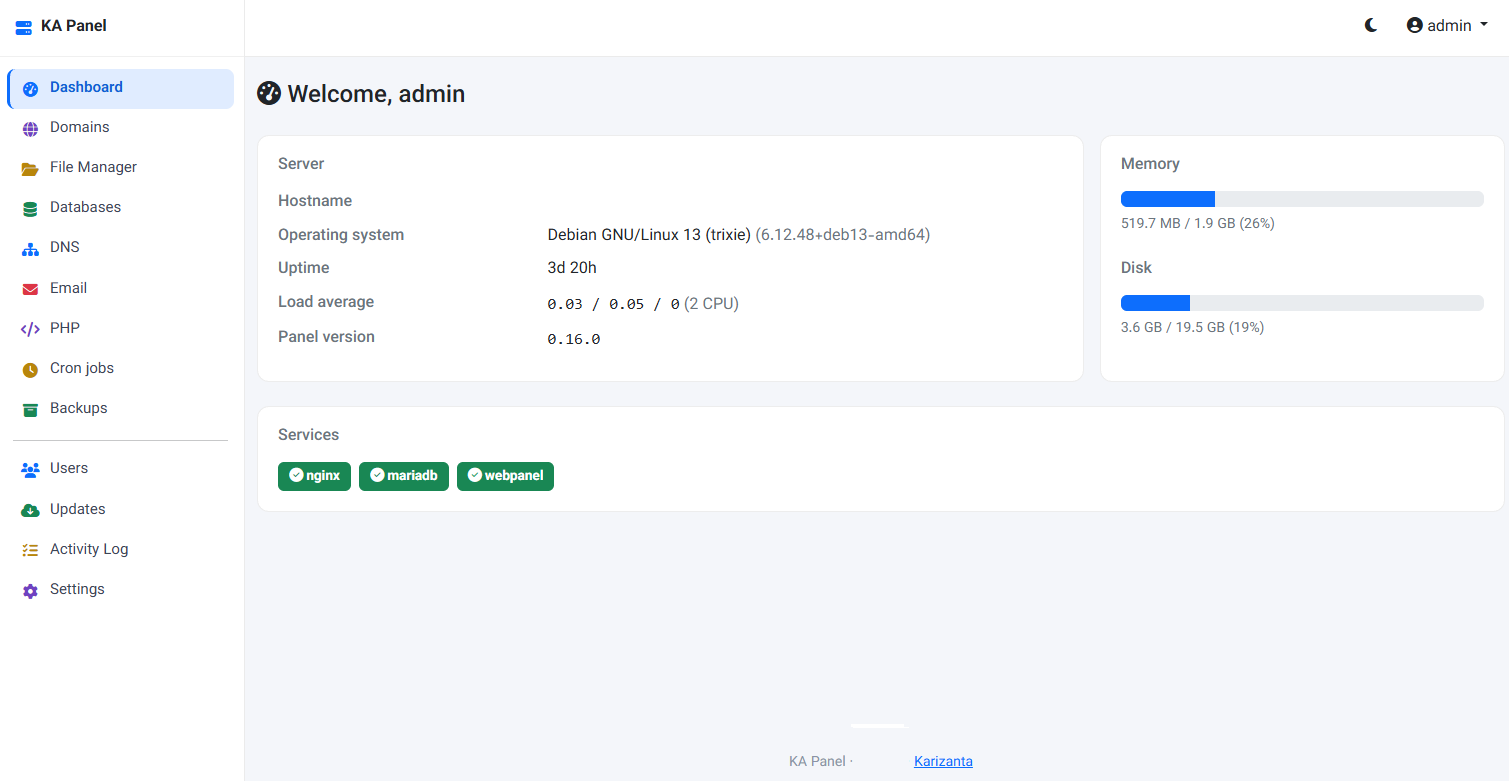
KA Panel: the free hosting control panel we built for our own customers
KA Panel is Karizanta's own hosting control panel, free with every server we run: sites, per-site PHP, certificates, databases, email with webmail, DNS, backups and customer logins, installed on Debian with one command.
Read more →
How to Choose the Right VPS Plan for Your Website
Choosing a VPS plan is about matching specifications to your actual workload, not picking the biggest number on a pricing grid. This guide walks through RAM, vCPU, storage, bandwidth and location with real figures, a sizing table, and the signs that tell you when you have outgrown your plan.
Read more →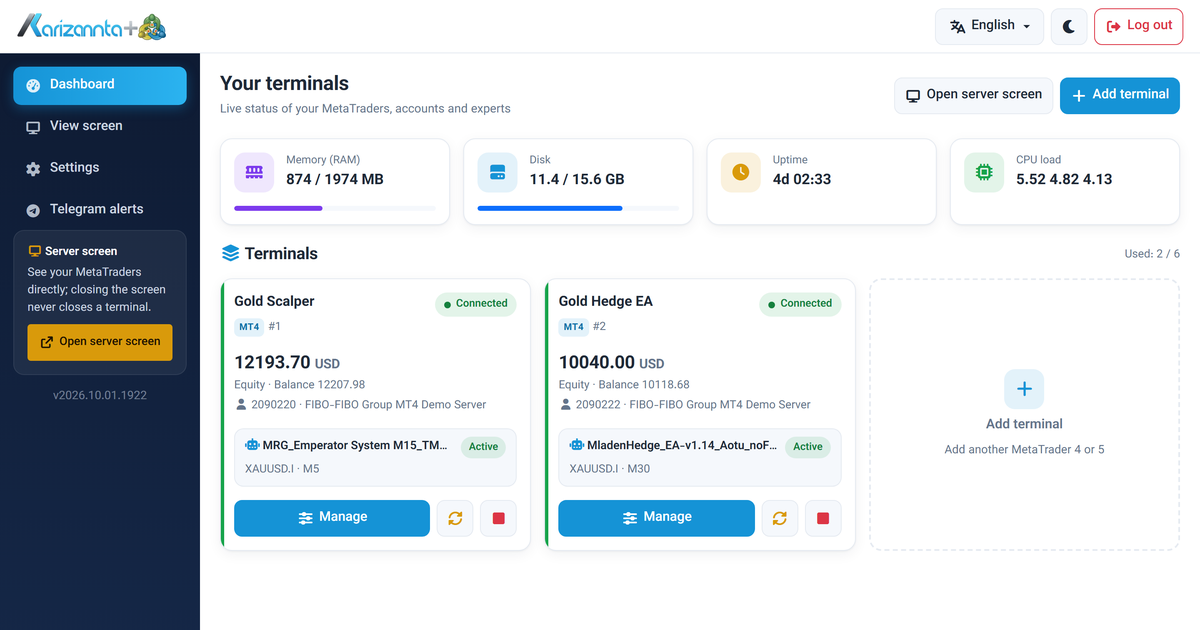
MetaTrader VPS on Linux: Run MT4 and MT5 Expert Advisors 24/7
A MetaTrader VPS that keeps MT4 and MT5 running on its own: automatic re-login after every restart, a web panel for accounts and expert advisors, and Telegram alerts. A tour with screenshots.
Read more →