
Your container runs but the port is unreachable: the four places it breaks
docker ps shows the container up. The logs show the app started and bound its port. You point a browser at http://server:8080 and get nothing — a timeout, or a reset, or an empty reply. The process is running and nobody can reach it.
This is the container version of a problem that shows up constantly: the server is up but the port is unreachable. It has four distinct causes, and from the outside they look the same. Publishing does nothing because the process bound to loopback inside the container. The port was published to the host's loopback only. The host firewall is blocking it — except Docker rewrites its own iptables rules and a published port bypasses UFW entirely, so ufw deny gives you false confidence. Or the container sits on a user-defined network where another container reaches it by name, but the host cannot.
You cannot guess which one you have. You have to look, in order, at four layers: what Docker thinks it published, what the host kernel is actually listening on, what the process inside the namespace bound to, and what the NAT table is doing to the packet. Below is that order, with the exact commands and the confusing output that sends people down the wrong path.
The diagnosis order
Run these four in sequence. Each one rules out something. Do not skip ahead — the whole point is that the symptom is identical, so the only way to separate the causes is to check each layer.
| StepCommandWhat it tells you | ||
| 1 | docker port <name> | The host address:port Docker mapped, and to what container port. Reveals a 127.0.0.1: binding immediately. |
| 2 | ss -lntp (on the host) | What the host kernel is actually listening on. Distinguishes 0.0.0.0 from 127.0.0.1, and shows docker-proxy. |
| 3 | nsenter -t <pid> -n ss -lntp | What the process bound to inside the container's own namespace. Catches the loopback-inside-container case. |
| 4 | iptables -t nat -L DOCKER -n | The DNAT rules Docker wrote. Shows why the packet is (or isn't) forwarded, and why UFW never sees it. |
Cause 1: the process bound to 127.0.0.1 inside the container
You ran -p 8080:80. The container is up. From the host:
That looks correct — 0.0.0.0:8080 is published to every host interface. So you curl it and get a reset:
An empty reply, not a connection refused. That distinction matters. Something accepted the TCP connection and then dropped it. On the host, ss confirms a listener exists:
That's docker-proxy, the userland proxy Docker starts for a published port. It listens on the host and forwards to the container's address on the bridge network. It accepted your connection. But the app inside the container bound to its own loopback, so when the proxy tries to forward, the container refuses, and you get the empty reply.
Every network namespace has its own 127.0.0.1. The container's loopback is not the host's loopback and is not the bridge interface Docker forwards to. To prove it, get the container's main PID and look inside its namespace:
There it is. Inside the namespace the service listens on 127.0.0.1:80, not 0.0.0.0:80. Publishing a port cannot help you here — -p forwards to the container's bridge IP (something like 172.17.0.2:80), and nothing is listening there.
The fix is in the application config, not Docker. Bind the service to 0.0.0.0 inside the container. Postgres wants listen_addresses = '*'; a dev server usually needs --host 0.0.0.0; nginx and most web servers already listen on all interfaces, so if you see this, an app default or a config file is holding it on loopback. This is the single most common false lead, because the host side (docker port and ss) all look right.
Cause 2: the port is published to the host's loopback only
Someone — maybe you, maybe a compose file written by someone security-conscious — published the port like this:
Now docker port tells you the truth plainly:
And the host listener is scoped to loopback:
From the host itself, curl http://127.0.0.1:8080 works. That is what makes this one maddening: it works when you test on the box and fails from everywhere else. If your reverse proxy — nginx, Traefik, Caddy — runs on the same host, this binding is correct and desirable, because only the proxy needs to reach the app. But if the proxy is on another host, or you are testing from your laptop, a loopback-only publish is unreachable by design.
Binding published ports to 127.0.0.1 is a deliberate hardening move and a good one for anything that should never face the internet directly. The mistake is doing it and then expecting a machine on another IP to connect. Change the publish to a specific reachable interface — -p 10.0.0.5:8080:80 for a private network address, or -p 8080:80 if it genuinely needs to be public — and put the firewall in front of it deliberately. Which brings us to the part that actually surprises people.
Cause 3: the firewall — and why ufw deny lies to you
This is the one that costs hours, because the tool you trust reports the opposite of reality.
You published -p 8080:80 to 0.0.0.0. You want it closed to the world, so you run ufw deny 8080, confirm ufw status shows the deny rule, and move on believing the port is blocked. It is not. From another machine the port answers.
Docker publishes a port by writing its own rules into iptables. It adds a DOCKER chain and a DOCKER-USER chain, and it does the port mapping with a DNAT rule in the nat table's PREROUTING. Per Docker's own documentation, "when you publish a container's ports using Docker, traffic to and from that container gets diverted before it goes through the ufw firewall settings" — because Docker routes container traffic in the nat table, and packets are diverted before they reach the INPUT chain that UFW filters on. A packet for a published port is DNAT'd in PREROUTING and then handled by the FORWARD path, so it never traverses INPUT. Your ufw deny rule sits in INPUT. The packet never gets there.
Look at the NAT rule Docker wrote:
That last line is the whole story: any source, destination port 8080, rewritten to the container at 172.17.0.2:80. UFW's INPUT rules are simply not on this path. This is not a bug you can file — it is how bridge-network publishing works, and it means ufw status is not a reliable answer to "is this port exposed?" once Docker is involved. Verify from outside instead, with nmap -p 8080 your.server.ip from a different machine, or ss from off-box. Trust what the network sees, not what UFW claims.
The right place to filter published-port traffic is the DOCKER-USER chain, which Docker evaluates before its own rules. To drop everything arriving on your public interface except an allowed source:
Rules are inserted with -I, so read them bottom-up: allow 203.0.113.42, allow established/related return traffic, drop the rest on eth0. If you would rather keep managing rules through UFW, the widely used ufw-docker approach appends a rule set to /etc/ufw/after.rules that routes Docker traffic through a ufw-user-forward hook, after which you allow a container port with ufw route allow proto tcp from any to any port 80 rather than the ordinary ufw allow. Either way, the lesson is the same: for published ports, ufw allow/deny on INPUT is the wrong knob.
The cleanest option, when it fits, is not to publish to 0.0.0.0 at all — bind to 127.0.0.1 or a private interface as in Cause 2 and let a proxy or the private network be the only path in. A port you never exposed needs no firewall rule. If you are setting up host filtering from scratch, our guide to securing a VPS with a firewall, SSH and Fail2ban covers the host side; just remember that Docker publishing sits underneath it.
Cause 4: the container is on a user-defined network
Compose puts your services on a user-defined bridge network by default. On such a network, containers get automatic DNS — one container reaches another by service name. So web can talk to db at db:5432, it works in your app, and you conclude the port is fine. Then you try to reach it from the host or from a browser and there is nothing.
The host is not on that network and does not use its DNS. Container-to-container name resolution and host-to-container reachability are two different things. If a compose service only lists expose:, or lists no ports: at all, the port is reachable from sibling containers and from nowhere else. Check what is actually published:
Empty output means no host mapping exists. Confirm the container has an address on the user-defined network and that its siblings resolve it:
So web resolves db and can reach it, exactly as designed, while the host cannot — because you never asked Docker to publish it. If a database should only be reachable by the app, that is correct and you should leave it alone; do not add a ports: entry just to make curl from the host work, because that exposes it (and see Cause 3 about how exposed it really becomes). If you genuinely need host access, add the publish deliberately, and prefer a loopback or private-interface binding over 0.0.0.0.
Putting it together
The reason these four get confused is that a browser reports the same failure for all of them, and two of the standard tools lie in opposite directions: docker port can show a correct-looking 0.0.0.0 mapping while the app hides on the container's loopback, and ufw status can show a deny rule while the port answers the internet. The commands that don't lie are ss read at the right layer and iptables -t nat -L DOCKER.
| SymptomLikely causeThe tell | ||
| Empty reply / reset; host side looks correct | App bound to 127.0.0.1 inside the container | nsenter … ss shows 127.0.0.1:port in the namespace |
| Works on the box, unreachable elsewhere | Published to host loopback only | docker port shows 127.0.0.1:port |
| Reachable from outside despite ufw deny | Docker DNAT bypasses UFW's INPUT chain | DNAT rule in iptables -t nat -L DOCKER |
| Sibling container reaches it, host does not | User-defined network, port never published | docker port is empty |
Work down the four steps and you will land on one of these every time. If you are still standing up the box, the initial VPS setup checklist is a good place to get the host baseline right before Docker starts writing rules on top of it.
Running containers where you can see all four layers
The diagnosis above needs root on the host: docker port, ss inside the namespace and the iptables DOCKER chain are all invisible on a managed container platform. A UK VPS, Sweden VPS or Netherlands VPS from Karizanta gives you that root access, with both IPv4 and IPv6 so you can test each path separately.
Sources
- Packet filtering and firewalls | Docker Docs (unknown)
- chaifeng/ufw-docker: fix the Docker and UFW security flaw without disabling iptables (unknown)
- Why Docker bypasses UFW and how to actually lock it down (unknown)
- Listing Open Sockets Inside a Running Docker Container in Linux (unknown)
Frequently asked questions
Why is my Docker container port not accessible even though docker ps shows it running?
Running is not the same as reachable. Check four layers in order: docker port (what Docker published), ss -lntp on the host (what the kernel listens on), nsenter -t <pid> -n ss -lntp (what the process bound to inside the container), and iptables -t nat -L DOCKER (the NAT rule). Each rules out one of the four common causes.
Why does ufw deny not block my published Docker port?
Docker publishes ports with a DNAT rule in the nat table's PREROUTING chain, so packets are forwarded before they reach the INPUT chain where UFW filters. Your ufw deny rule sits in INPUT and never sees the packet. Filter published-port traffic in the DOCKER-USER chain instead, and verify from another machine with nmap rather than trusting ufw status.
How do I see what a process inside a container is really listening on?
Get the container's PID with docker inspect -f '{{.State.Pid}}' <name>, then run nsenter -t <pid> -n ss -lntp. This runs ss inside the container's network namespace and shows whether the service bound to 0.0.0.0 or to 127.0.0.1 — a loopback binding inside the container makes port publishing useless.
Why can one container reach another by name but the host cannot?
Containers on a user-defined network get automatic DNS and reach each other by service name over the internal bridge. The host is not on that network and does not use its DNS. If the service only uses expose or lists no ports, it is reachable from sibling containers and nowhere else. Publish it with -p if you need host access.
Should I bind published Docker ports to 127.0.0.1?
Yes, for anything that should not face the internet directly — a database or an app behind a reverse proxy on the same host. -p 127.0.0.1:8080:80 makes the port reachable only from the host. It becomes a problem only when a reverse proxy or client on a different host needs it; then bind to a private interface like -p 10.0.0.5:8080:80 instead.
Related reading

Docker ate your disk: which of the four caches is full, and how to reclaim it safely
Your host is at 100% and /var/lib/docker is enormous. This walks through reading docker system df, what prune touches and skips, the log file that fills the disk silently, and the exact order to run cleanup on a box already out of space.
Read more →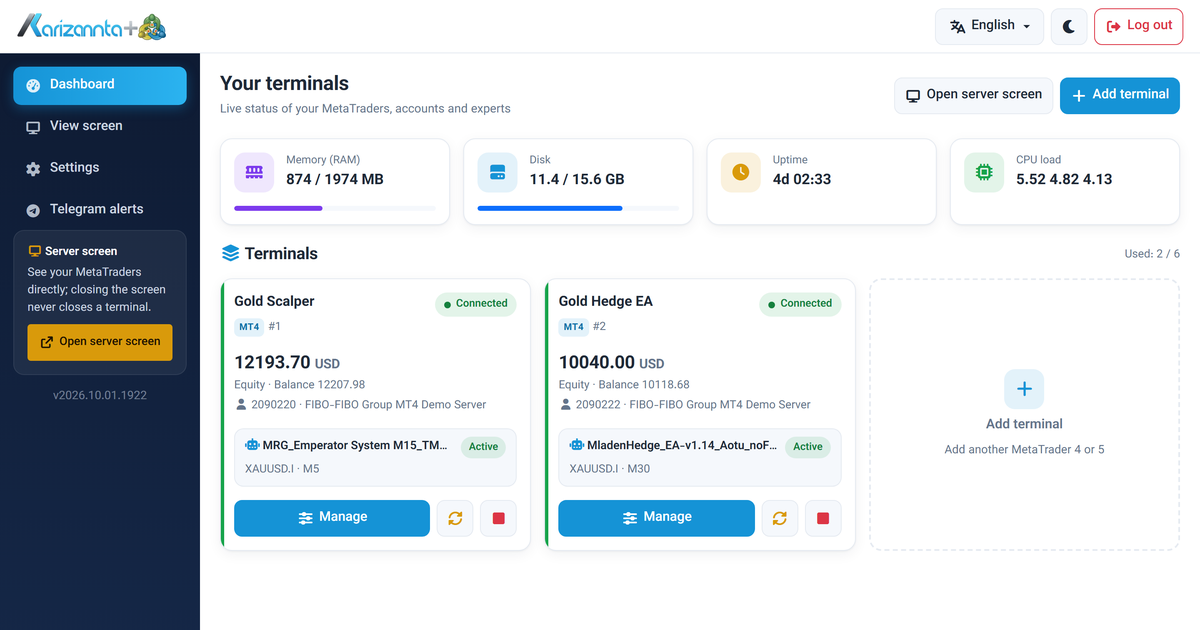
MetaTrader VPS on Linux: Run MT4 and MT5 Expert Advisors 24/7
A MetaTrader VPS that keeps MT4 and MT5 running on its own: automatic re-login after every restart, a web panel for accounts and expert advisors, and Telegram alerts. A tour with screenshots.
Read more →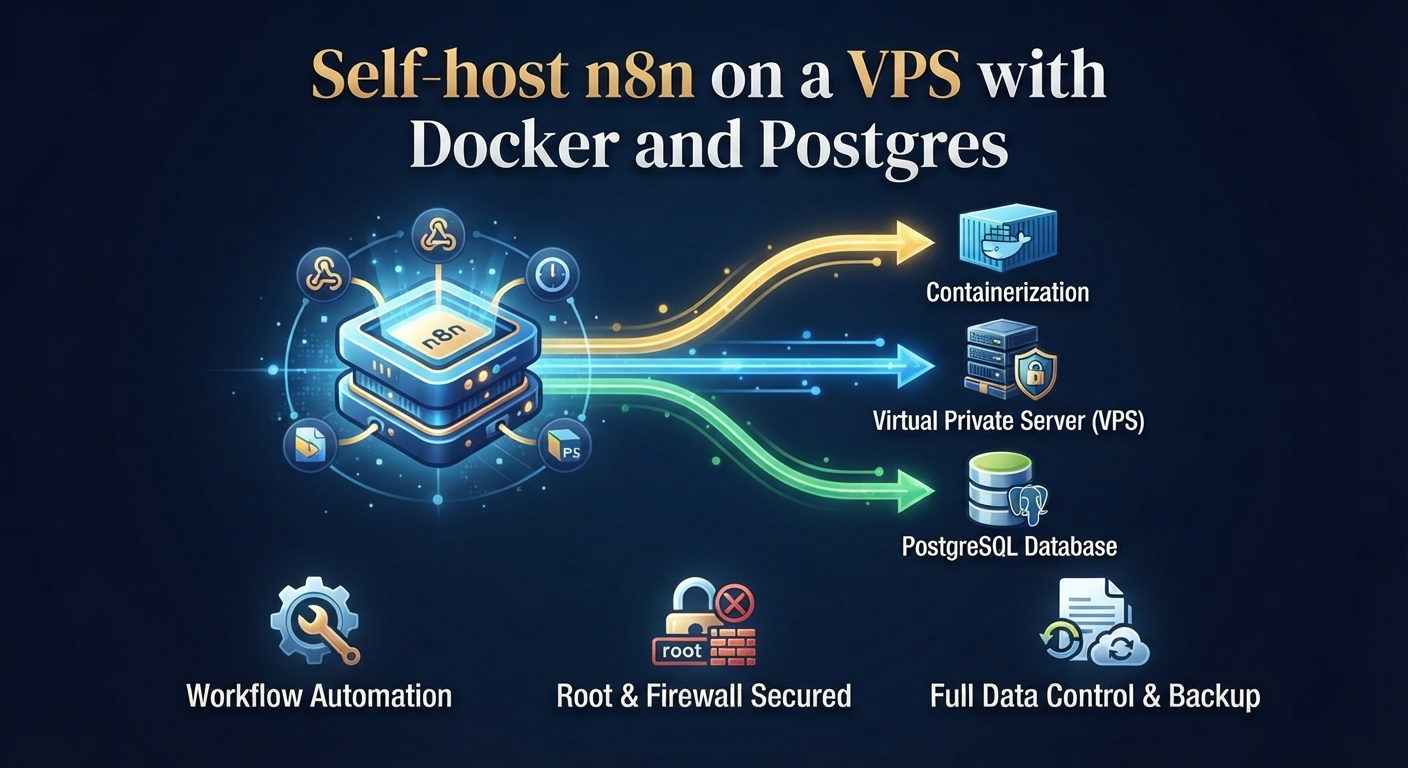
Self-host n8n on a VPS with Docker and Postgres
A complete, copy-pasteable path to run n8n on your own Ubuntu VPS with Docker Compose and Postgres: the environment variables that matter, nginx and TLS, and the webhook, timezone and queue-mode traps that catch everyone.
Read more →